

The LLM Blind Spot: Mastering Your Content Visibility in the Age of AI Search
December 4, 2025
2026 Local SEO Trends: How to Dominate Search in the Age of AI
January 2, 2026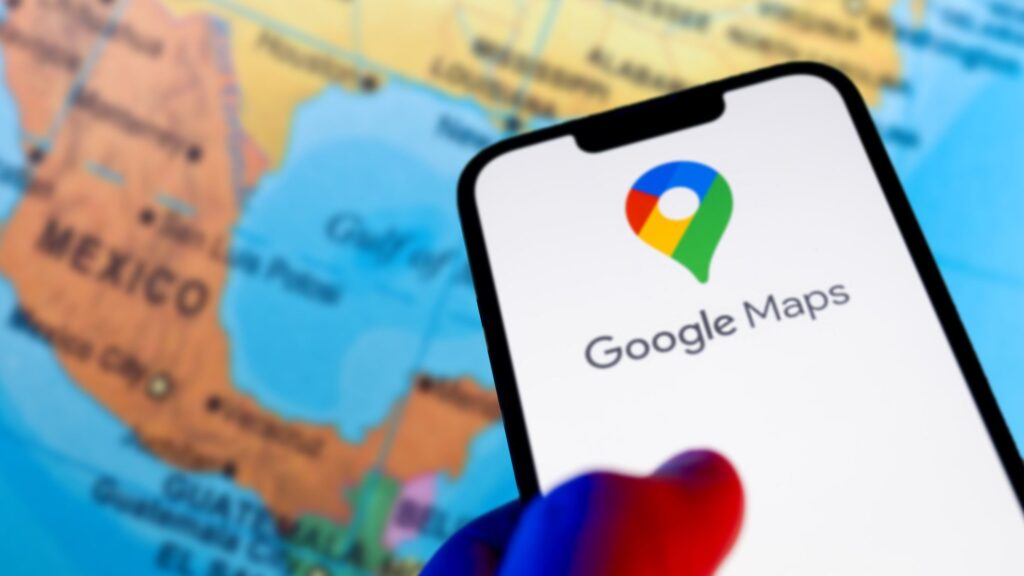
Do you want to drive more foot traffic to your local workshops or store openings? One of the best ways to do this is by getting your Events on Google Maps. When you list your activities here, people find them while searching for things to do nearby. In fact, showing up on the map can increase your reach by thousands. This guide explains exactly how to optimize your presence and win the local search game.
Why List Your Events on Google Maps?
Google Maps is no longer just a navigation tool. It is now a powerful search engine for local discovery.
- Instant Visibility: Local users see your event pinned directly to their area.
- Trust Building: Verified Events on Google Maps appear more professional to potential guests.
- Direct Action: Attendees can RSVP or get directions with one tap.
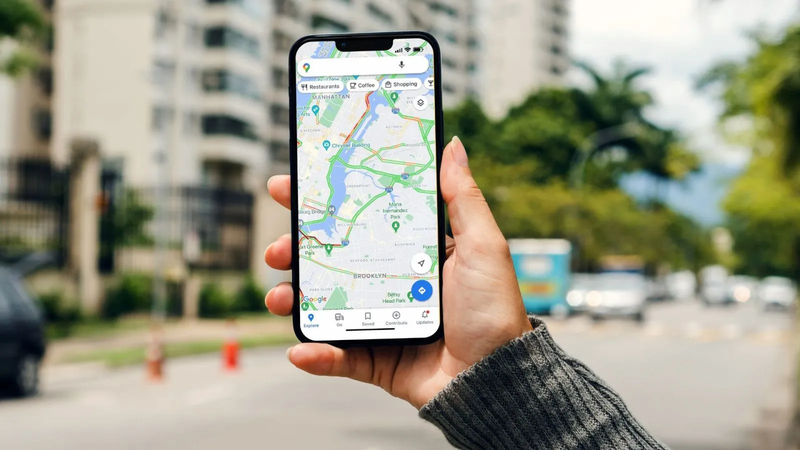
Step 1: Use Google Business Profile for Events on Google Maps
The fastest way to show up is through your Google Business Profile (GBP).
- Open your dashboard: Go to your profile and click "Add Update."
- Choose Event: Select the "Event" post type.
- Fill in Details: Add your title, start date, and end date.
- Add a Visual: Upload a high-quality photo to make your Events on Google Maps stand out.
Step 2: Use Schema Markup for Better Visibility
To ensure Google "reads" your website correctly, you must use Event Schema. This code tells Google that your page contains specific Events on Google Maps information.
- Automate it: Use a WordPress plugin like Rank Math to add the code for you.
- Verify it: Use Google's Rich Results Test to confirm your data is correct.
Step 3: Overcoming the AI "Blind Spot"
When promoting Events on Google Maps, you must consider modern search habits. Many businesses suffer from an AI Search Visibility Blind Spot. If your event details are hidden behind complex code, AI assistants might miss them. Ensure your dates and location are in plain HTML so that both Maps and AI bots can find you.
Step 4: Scale with Smart Content Creation
Managing multiple Events on Google Maps takes time. Therefore, using AI content creation is essential for scaling.
- Efficiency: Use AI to write engaging descriptions for several dates at once.
- Quality: Generate professional images that follow Google's size guidelines (1200 x 900 pixels).
Optimizing your Events on Google Maps is the smartest way to grow your local audience. By using your Business Profile, adding technical Schema, and staying visible to AI bots, you stay ahead of the competition. Start listing your events today and see the difference in your turnout!
Grow Your Local Presence with Dreamond
At Dreamond, we help you master local SEO. Whether you need help with technical Schema or getting your Events on Google Maps to rank #1, our team is here to help.